Calendar page: 10 layouts
Overview picture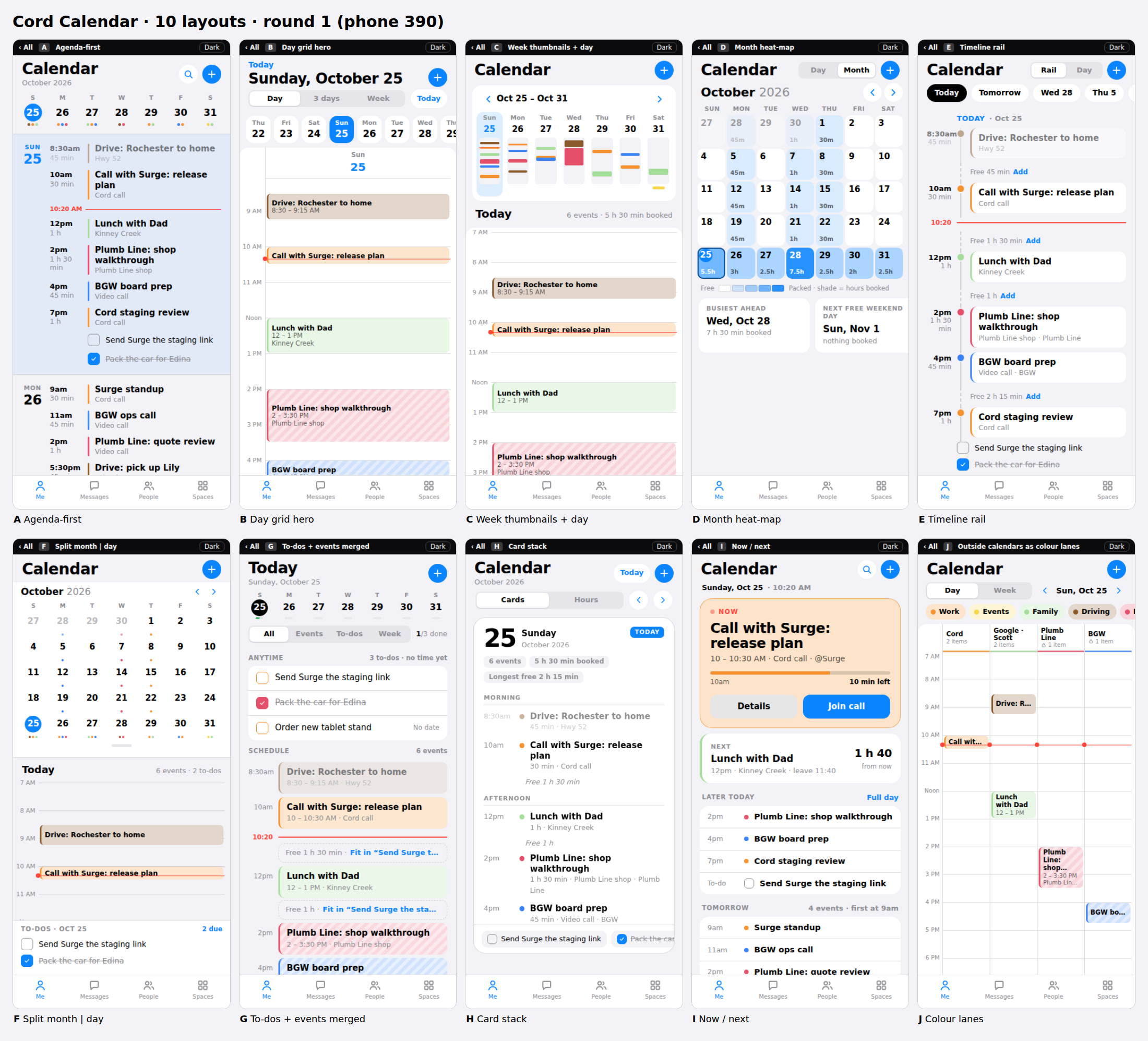
Round 1. Every layout has a Day view and works at phone (390), Fold (about 720) and desktop (1440) widths. Tap a card to open it full screen; on a computer use the size links to preview each width. Scott's sketches become round 2.
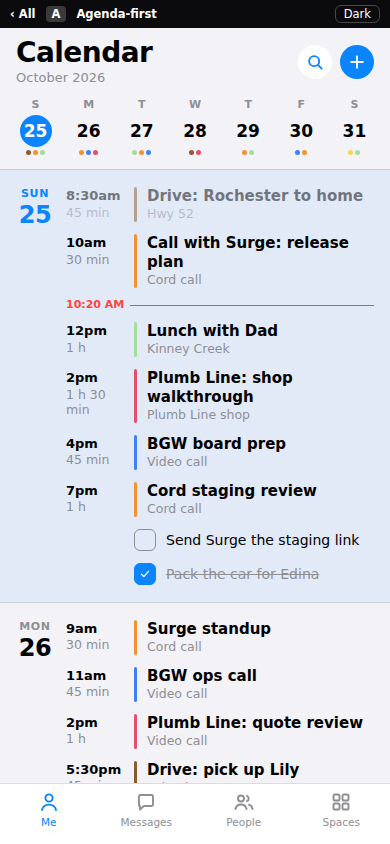
One scrolling list, grouped by day. A week strip on top; tap a date to open the Day view.
Reads like a to-do list you scrollPhone · Fold · Desktop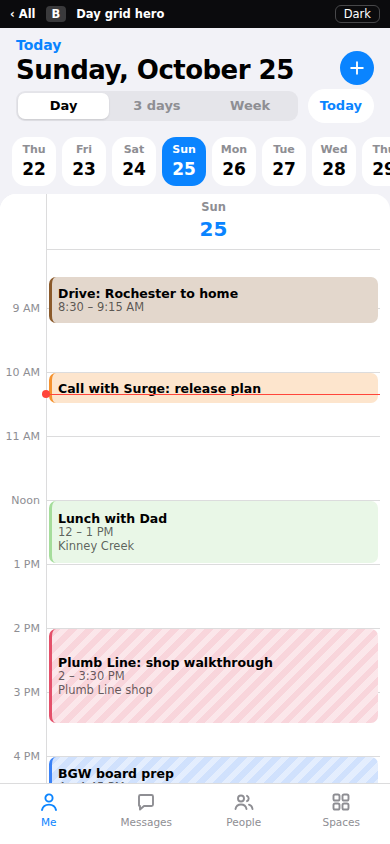
The hour grid is the page. Day / 3 days / Week; 1, 2 or 3 columns by screen size.
Closest to Google / Apple CalendarPhone · Fold · Desktop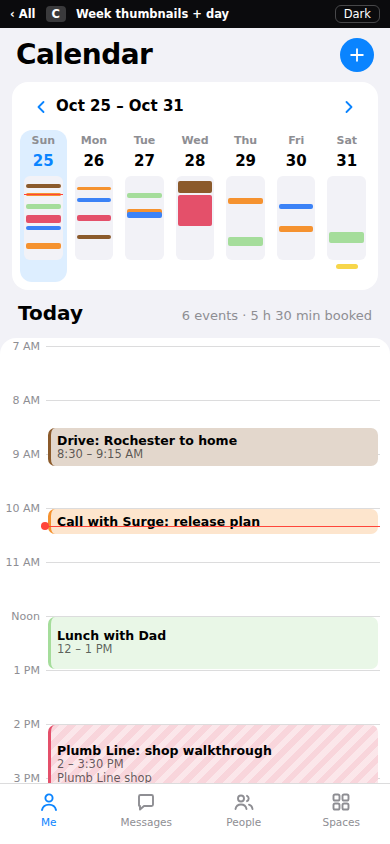
Each day of the week is a tiny picture of its schedule; the chosen day opens below.
See the whole week shape at oncePhone · Fold · Desktop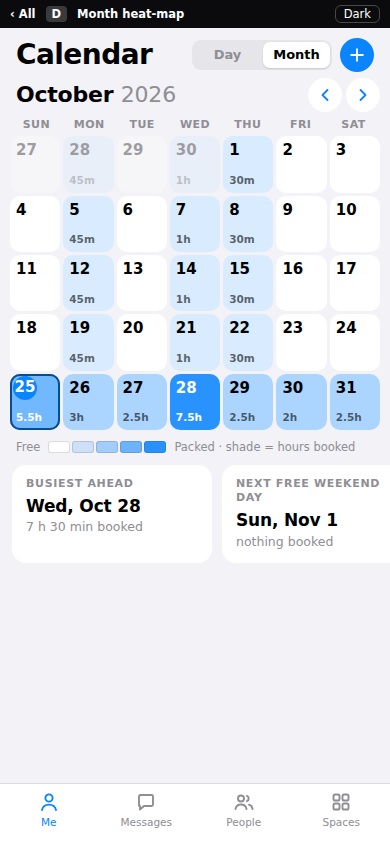
Month shaded by hours booked. Tap a day for its schedule; Open day for the full grid.
Pick a free day fastPhone · Fold · Desktop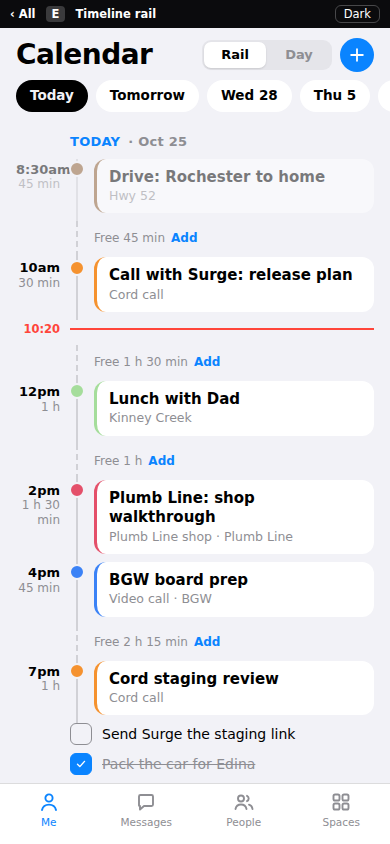
A vertical rail with free-time gaps named between events. Day tab scales the rail by duration.
Shows where the free time isPhone · Fold · Desktop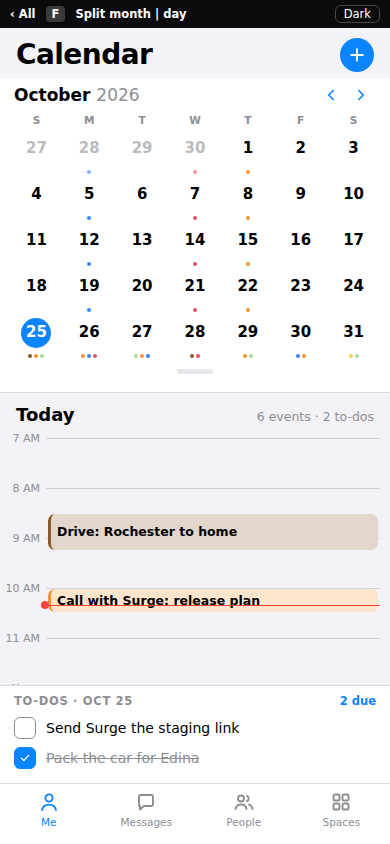
Month on top (collapses to one week), day below. Month left, day right on Fold and desktop.
Best use of the FoldPhone · Fold · Desktop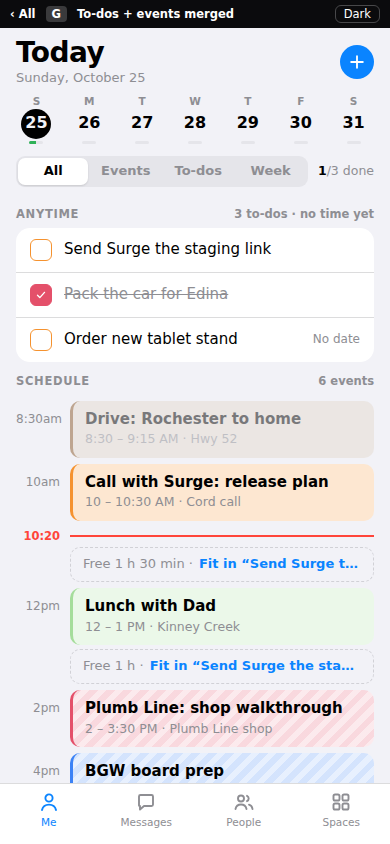
To-dos and events in one flow. Tap a free gap to drop a to-do into it as a block.
Plan the day, not just see itPhone · Fold · Desktop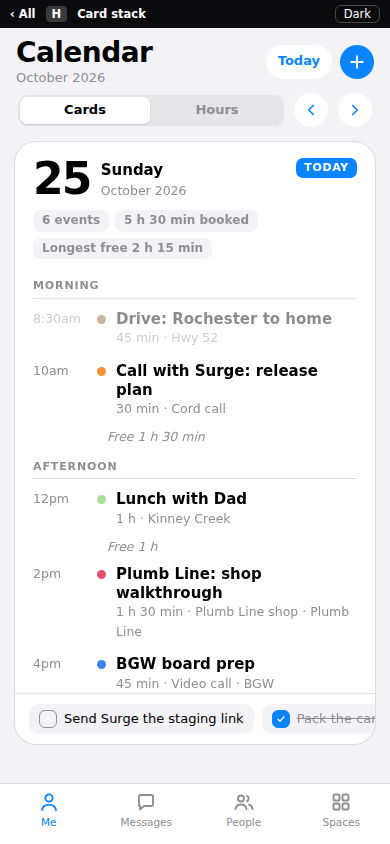
One card per day, Morning / Afternoon / Evening. Swipe or tap the peeking card for the next day.
Calm, one day at a timePhone · Fold · Desktop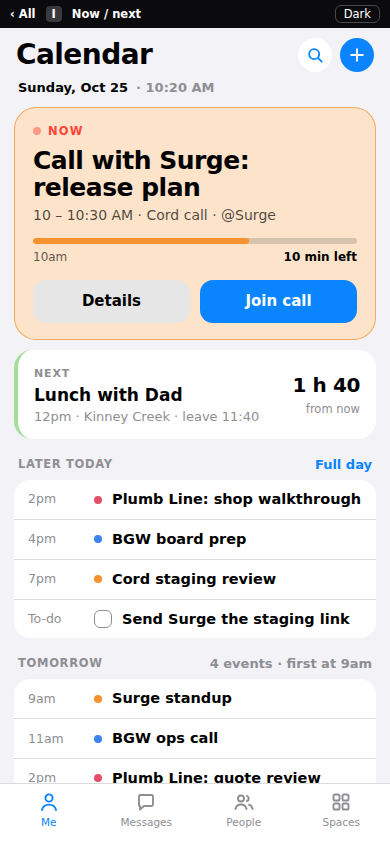
What is happening now, what is next and when to leave. Full day one tap away.
Quick glance, not a gridPhone · Fold · Desktop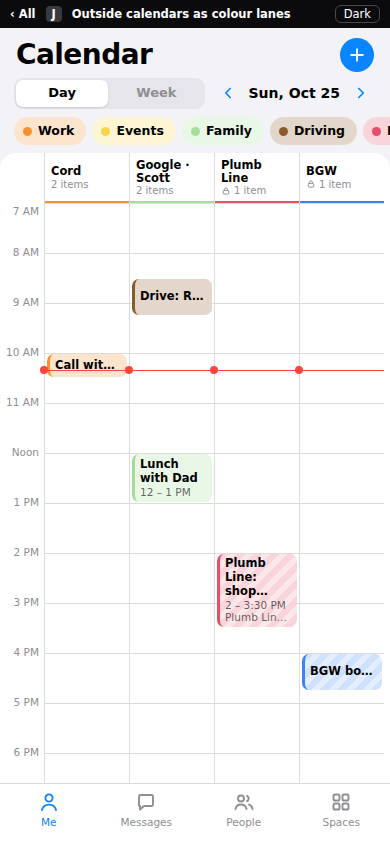
Each calendar is its own column: Cord, Google, Plumb Line, BGW. Toggle chips; Week as rows.
Built for outside calendarsPhone · Fold · DesktopWhat is fake: every event, to-do and name (Surge, Plumb Line, BGW, Dec 12 release) is sample data; today is set to Sun Oct 25, 10:20 AM. Colours are Cord's six event colours. Striped blocks and the lock icon mean an outside, read-only calendar. Dark / light switch is in the top bar. The + button opens a placeholder New sheet.